
Invoice and receipt OCR features for QuickBooks Online.
Capture supplier documents, extract invoice data, review fields, detect duplicates, map vendors and accounts, and sync approved records with attachments.
One inbox for every client's bills and receipts.
Upload supplier invoices, receipts, and PDFs into the right client workspace before anything reaches QuickBooks Online.
Costs inbox
FilterAcme Office
INV-1048
$284.20
Needs reviewNorthwind Traders
NT-773
$1,042.18
ExtractingCity Cafe
Receipt
$32.99
SyncedUpload, extract, review
then sync to QuickBooks Online
The workflow keeps automation useful without letting unreviewed OCR results create accounting entries.
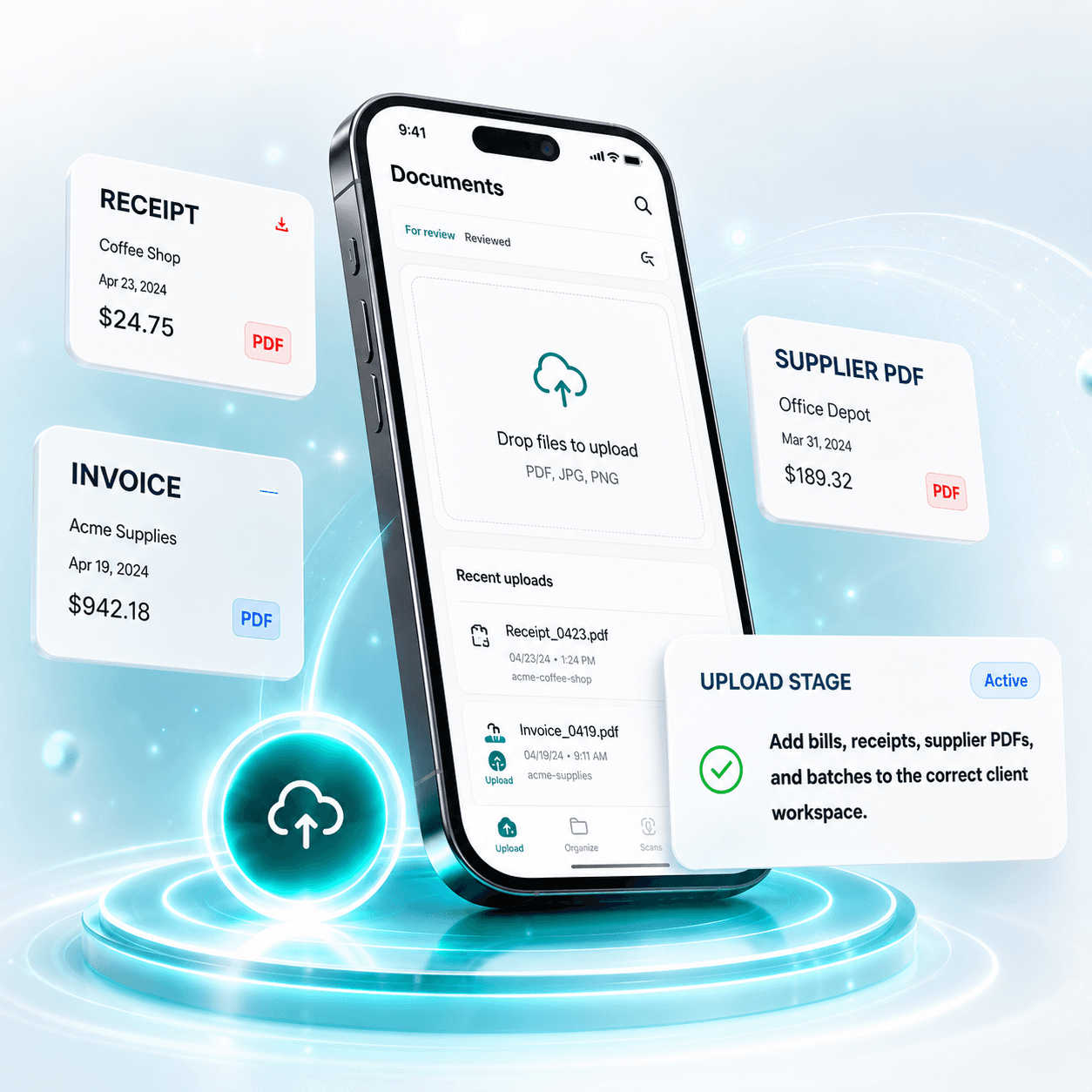
Upload
Add bills, receipts, supplier PDFs, and batches to the correct client workspace.
Bring bills and receipts into one QuickBooks Online-ready inbox.
Web upload
Upload PDF, JPEG, PNG, TIFF, or image files from the app.
Bulk upload
Drop multiple bills and receipts into one review queue.
Email-in bills
Forward supplier attachments into a workspace inbox when enabled.
Private storage
Keep source files in private document storage.
Usage ledger
Track document volume against workspace usage.
Review the document and data together.
Compare the original invoice with extracted fields before QuickBooks Online sync.
Extracted fields
Acme Office Supplies
INV-1048
$284.20
Catch duplicate bills before they sync.
ScannerPilot checks vendor, invoice number, invoice date, total amount, and file checksum before creating QuickBooks Online transactions.
Possible duplicate
Same vendor, date, and total as a prior upload.
Teach ScannerPilot how each vendor should be coded.
Core rules
Vendor to default expense account
Vendor to QuickBooks Online vendor match
Correction history
Duplicate key learning
Later extensions
Vendor templates
Line-item coding rules
Class/location rules
Tax-code rules
QuickBooks Online, handled per client.
Approved
INV-1048
Bill created
VendorRef synced
Attached
PDF uploaded
Secure OAuth connection
Connect the right QuickBooks Online company for each client workspace.
Vendor and account sync
Use synced vendors, accounts, tax codes, and payment accounts during review.
Create Bills for supplier invoices
Approved supplier invoices become QuickBooks Online Bills.
Create Expenses for receipts
Receipts and paid purchases can become Expenses or Purchases.
Attach original files
Keep the PDF or image with the created transaction.
Retry failed attachments
Track attachment status and retry when QuickBooks Online needs another attempt.
Every synced transaction keeps the original document.
Audit timeline
Upload → Extract → Review → Sync → Attach
Less document chasing. Cleaner QuickBooks Online records.
Faster bill entry
Move from upload to review without retyping every field.
Fewer typing errors
Catch low-confidence values before they sync.
Cleaner attachments
Keep the source document tied to the transaction.
Per-client separation
Keep each client's inbox, QuickBooks Online connection, and settings separate.
Better duplicate checks
Flag exact and likely duplicates before creating transactions.
Easier audit history
Track who uploaded, reviewed, approved, synced, and attached.
Faster accountant review
Review exceptions and mappings beside the document.
Less client back-and-forth
Keep documents moving through one clear client workflow.
Try ScannerPilot yourself with our free trial
Discover why thousands of bookkeepers and small businesses use ScannerPilot to make more time for the work that actually matters — upload a bill, review it, and sync to QuickBooks in minutes.